2.5 KiB
2.5 KiB
⛪ ChurchTube
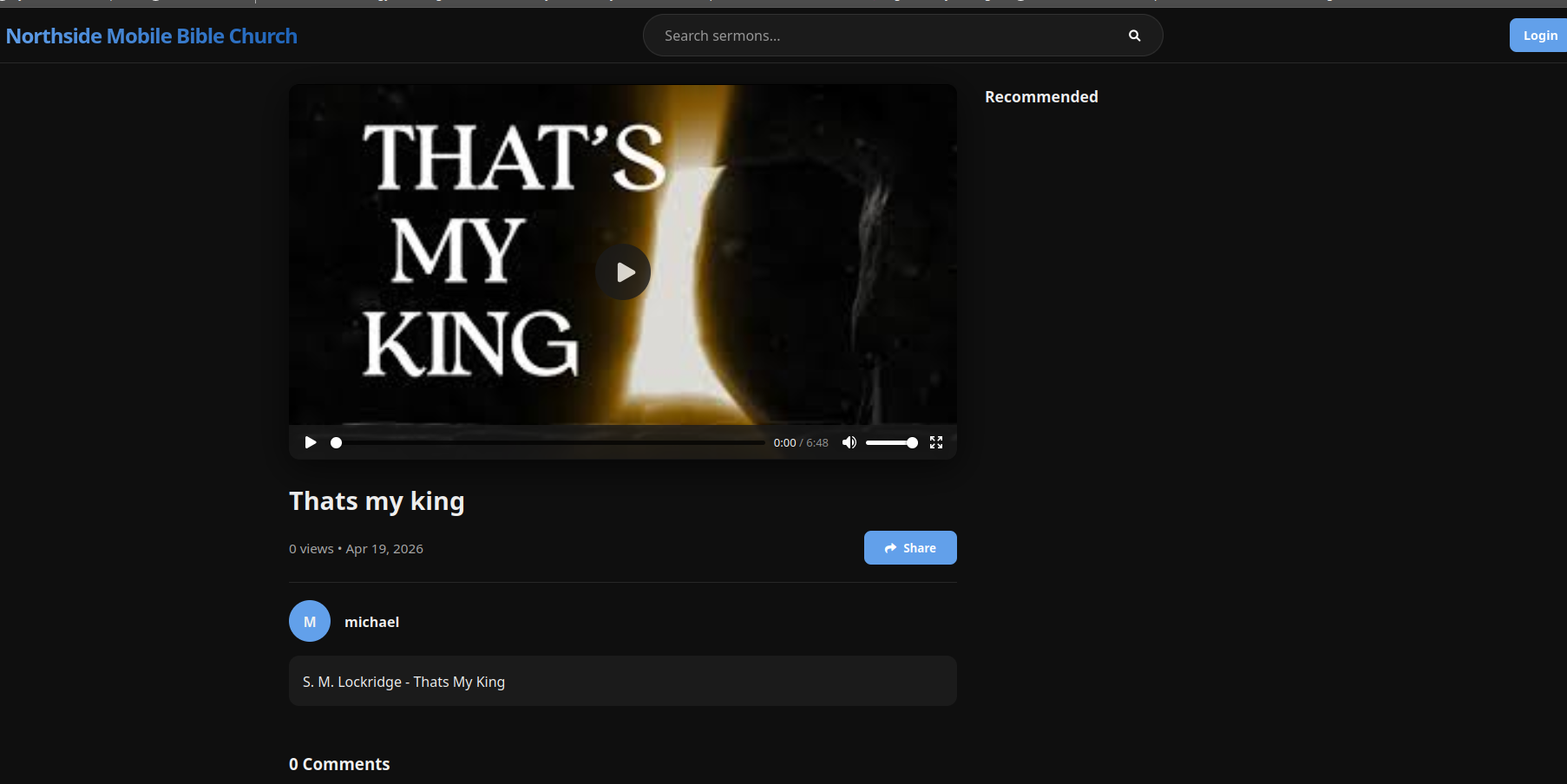
ChurchTube is a premium, self-hosted video platform designed specifically for churches to share sermons and media with their congregation. It features a modern, "YouTube-like" interface with advanced moderation and branding tools.
✨ Features
- Premium UX: Modern, responsive design with glassmorphism and smooth animations.
- Dual Video Sources: Upload videos directly or link them from external sources (NAS, Google Drive, Cloud).
- Smart Google Drive Support: Automatically converts Google Drive links for seamless embedding.
- Interactive Community:
- AJAX-based commenting (no video reloads).
- 5 reaction types (👍, ❤️, 🙏, 💡, 👏).
- Automated Profanity Filter with auto-reporting.
- Robust Moderation:
- Role-Based Access Control (Admin, Moderator, Editor, User).
- Dedicated Admin/Moderator dashboard for reports and users.
- Custom Branding: Real-time control over site title, colors, logo, and footer.
- Search & Discovery: Tag-based categorization, search, and intelligent recommendations.
- Analytics: Engagement-based view counting (only counts when video is played).
🛠️ Technology Stack
- Backend: PHP 7.4+ (PDO for database security)
- Database: MySQL / MariaDB
- Frontend: Vanilla HTML5, CSS3 (Modern Flexbox/Grid), Javascript (ES6+)
- Icons: FontAwesome 6+
🚀 Installation
-
Clone the repository:
git clone https://git.linology.tech/michael/churchtube.git -
Configure Permissions: Ensure the
uploads/andincludes/directories are writable by the web server:chmod -R 775 uploads/ includes/ chown -R www-data:www-data uploads/ includes/ -
Run the Wizard: Navigate to
http://yourdomain.com/install.phpin your browser. The First-Run Wizard will guide you through:- PHP environment checks (upload limits, extensions).
- Database connection setup.
- Creating the primary Admin account.
-
Security Hardening: After installation, it is recommended to delete
install.phpor set its permissions to000.
📁 Storage Recommendations
- Local Storage: Best for high performance if your server has ample space.
- NAS/Cloud: Perfect for large libraries. Simply provide the direct link to the MP4 file or a Google Drive "view" link.
📄 License
This project is licensed under the MIT License. Feel free to use and modify it for your church's needs.
Built with love for the Church community.