 Michael Howard
ed11185fe3
Michael Howard
ed11185fe3
|
||
|---|---|---|
| MCSTYLE | ||
| assets | ||
| build-linux | ||
| build-windows | ||
| cmake | ||
| sounds | ||
| src | ||
| .gitignore | ||
| CMakeLists.txt | ||
| README.md | ||
| version.txt | ||
README.md
MorriCraft
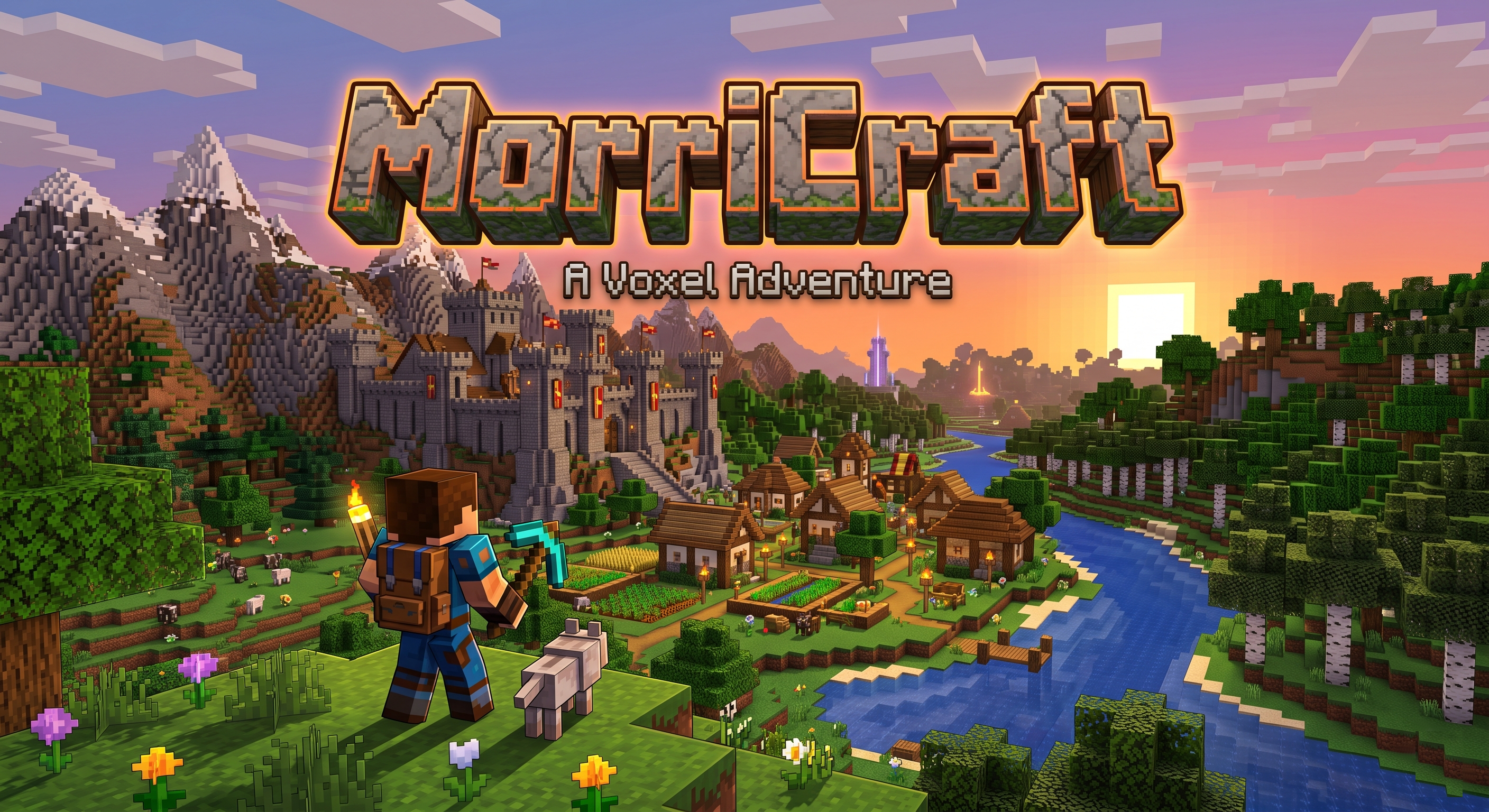
MorriCraft is a high-performance voxel engine built with C++ and Raylib. It features a custom physics engine, dynamic world generation, and an interactive inventory and crafting system.
Features
- Custom Physics: Stable "Ground-Lock" system prevents camera jitter and ensures smooth movement.
- Dynamic World Generation: Multi-octave Perlin noise (FBM) for realistic terrain, including biomes like grass, sand, and forests.
- Advanced Crafting: Includes both a 2x2 player inventory grid and a 3x3 workbench system.
- Optimized Rendering: Texture batching and neighbor-chunk caching for stable 60+ FPS.
- Cross-Platform: Builds for both Linux and Windows.
Version History
v2.0.9 - Identity Update (Latest)
- Humanoid Player Models: Replaced placeholder "blue blobs" with multi-cube humanoid shapes (Head, Body, Arms, Legs).
- Chat Input Isolation: All movement (WASD, Space) and action keys are now fully inhibited while the chat box is active.
- Visual Polish: Adjusted nameplate positioning for better clarity with the new player models.
v2.0.8 - Real Update & LAN
- Real Update System: Implemented live file download via
curlfor seamless client updates. - Open to LAN: Added a button to the Pause menu to host a world session instantly.
- UI Fixes: Corrected the main menu "Connect" button navigation.
v2.0.7 - Collaborative Polish
- Streamlined Multiplayer UI: Relocated all networking settings to a dedicated "Join Server" screen.
- Fresh Start Survival: Players now start in new worlds with an empty inventory.
- Full System Updater: Overhauled the updater to handle comprehensive file replacement.
v2.0.6 - World Sync & Visibility Hardening
- Host-Side ID Tracking: Fixed a critical bug where the host could not see connected clients.
- Auto-Chunk Generation: Updated
SetBlockto automatically generate chunks for remote updates. - Reliable Data Streams: Implemented
SendAllandRecvAllwith micro-sleeps to guarantee delivery.
v2.0.5 - Persistence & Volume Control
- Stateful Volume Settings: Fixed global scope for volume variables to ensure persistence across sessions.
- Selective Config Saving: Refined
SaveConfigto only persist user preferences (Volume, Name) and ignore session-specific state.
v2.0.3 - Multiplayer Protocol Hardening
- Protocol Synchronization: Overhauled the packet processing loop to prevent data drift and 'ghosting' blocks.
- Notification Debouncing: Implemented filters to ensure join/leave messages are only triggered once per action.
- Cross-Platform Stability: Replaced non-portable socket flags with a robust
select()-based architecture for Windows/Linux parity. - Body Validation: Hardened the data reception logic to ensure complete packet consumption and prevent buffer overflows.
v2.0.2 - The Social & Sync Update
- Integrated Chat System: Press
Enterto open the chat box and communicate with other players in real-time. - Player Notifications: Added automated alerts for players joining or leaving the session.
- Multi-Player Visibility: Fixed player tracking to ensure all peers are correctly identified and rendered for all clients.
- Handshake Optimization: Host now pushes seed, time, and existing player states instantly upon connection.
- Update Integrity: Fixed the auto-update system to correctly write version files after a successful download.
v2.0.1 - World State Synchronization
- Real-Time Block Sync: Introduced
NetSetBlockto synchronize all mining and placement actions across peers. - Time Sync: Host acts as the master clock, ensuring identical day/night cycles for everyone.
- Seed Sync: Corrected world generation so that clients automatically adopt the host's seed.
v2.0.0 - The Multiplayer Milestone
- P2P Architecture: Implemented a cross-platform peer-to-peer networking stack using standard sockets.
- Direct Connect: Added the ability to join servers via IP and Port from the main menu.
- Remote Avatars: Introduced 3D representation for other players with dynamic floating nameplates.
- Server Mode: Integrated a non-blocking host listener into the standard world generation flow.
v1.9.1 - The Connectivity & Polish Update
- Persistent Configuration: Added
config.cfgto save player preferences and identity. - Player Identity: Implemented a required name-entry sequence on first launch.
- Auto-Update System: Integrated version-checking, update notes viewer, and download progress simulation.
- Multiplayer Preparation: Added Server Mode toggle and Direct Connect interface foundation.
- Performance Fixes: Resolved edge-case frustum culling artifacts.
- Audio Refinement: Fixed music transitions between menus and gameplay states.
- UI Polish: Optimized layout for the Options and Main Menu screens.
v1.6.6 (Latest)
- Tool Scaling: Increased the size of held items (Axes/Sticks) in first-person for better visibility.
- Custom Assets: Integrated a high-detail community wooden axe asset.
- Visual Polish: Improved the viewmodel orientation and stability.
v1.6.5
- Audio Optimization: Implemented a rapid-crossfade system for cleaner day/night music transitions.
- UI Bug Fixes: Resolved music state issues when entering the Options and Crafting menus.
v1.6.4
- Immersive Audio: Added material-specific digging sounds (Grass, Wood, Stone, Sand).
- Viewmodel Overhaul: Held blocks are now rendered as 3D textured cubes instead of white boxes.
- Audio Sync: Tied digging sounds to mining progress for better tactile feedback.
v1.6.3
v1.5.2
- Stability Fixes: Resolved texture corruption and state-management bugs with workstations.
- In-Game Clock: Added a 12-hour AM/PM HUD clock and day/night status indicator.
- Lighting Engine: Implemented a global day/night cycle (300s) with dynamic sun/moon and world tinting.
v1.4.2
- UI Redesign: Overhauled the inventory and crafting windows to match the classic Minecraft layout.
- Character Preview: Added a player preview placeholder in the inventory.
- Centered Layout: All UI grids are now symmetrically centered.
v1.4.1
- Texture Fixes: Corrected leaf and log textures.
- Inventory Stability: Fixed the double-toggle bug when pressing 'E'.
- Bug Fixes: Resolved grass rendering issues and fixed tree generation.
v1.4.0
- Crafting Table: Implemented the Crafting Table block and 3x3 grid interaction.
- Advanced UI: Centered stack counts and added red versioning to the title screen.
v1.3.x
- Physics: Implemented "Ground-Lock" stabilization.
- Inventory: Added basic drag-and-drop support.
- Wireframes: Added real-time block selection highlights.
Build Instructions
Linux
mkdir build-linux && cd build-linuxcmake ..make -j$(nproc)
Windows (Cross-compile from Linux)
mkdir build-windows && cd build-windowscmake -DCMAKE_TOOLCHAIN_FILE=../toolchain-windows.cmake ..make -j$(nproc)
Controls
- WASD: Movement
- Space: Jump
- Mouse: Look / Aim
- Left Click: Destroy Block
- Right Click: Place Block / Use Crafting Table
- E: Toggle Inventory
- 1-9: Hotbar Selection
- ESC: Pause Menu / Close Inventory